
Cubiverse Builder
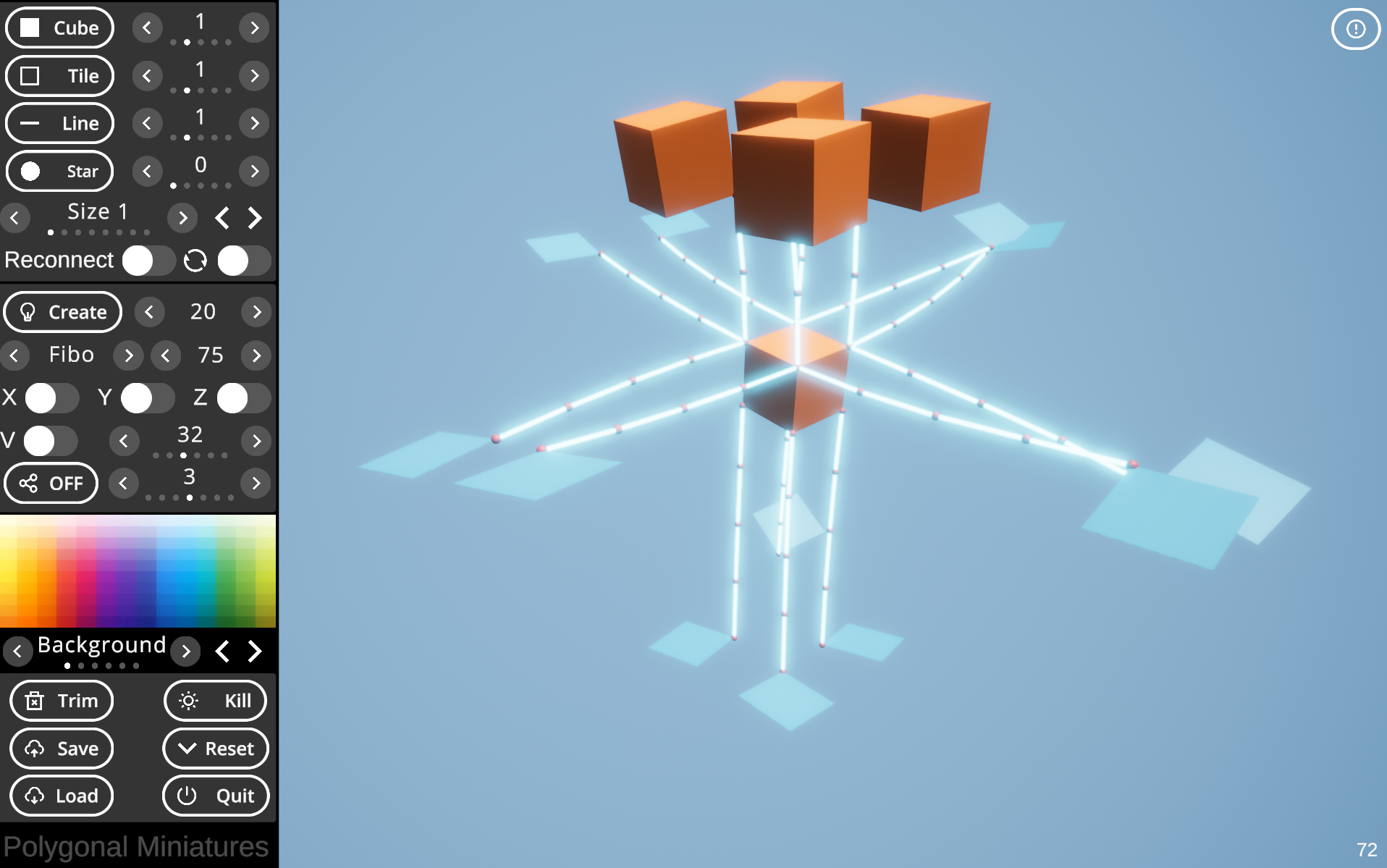
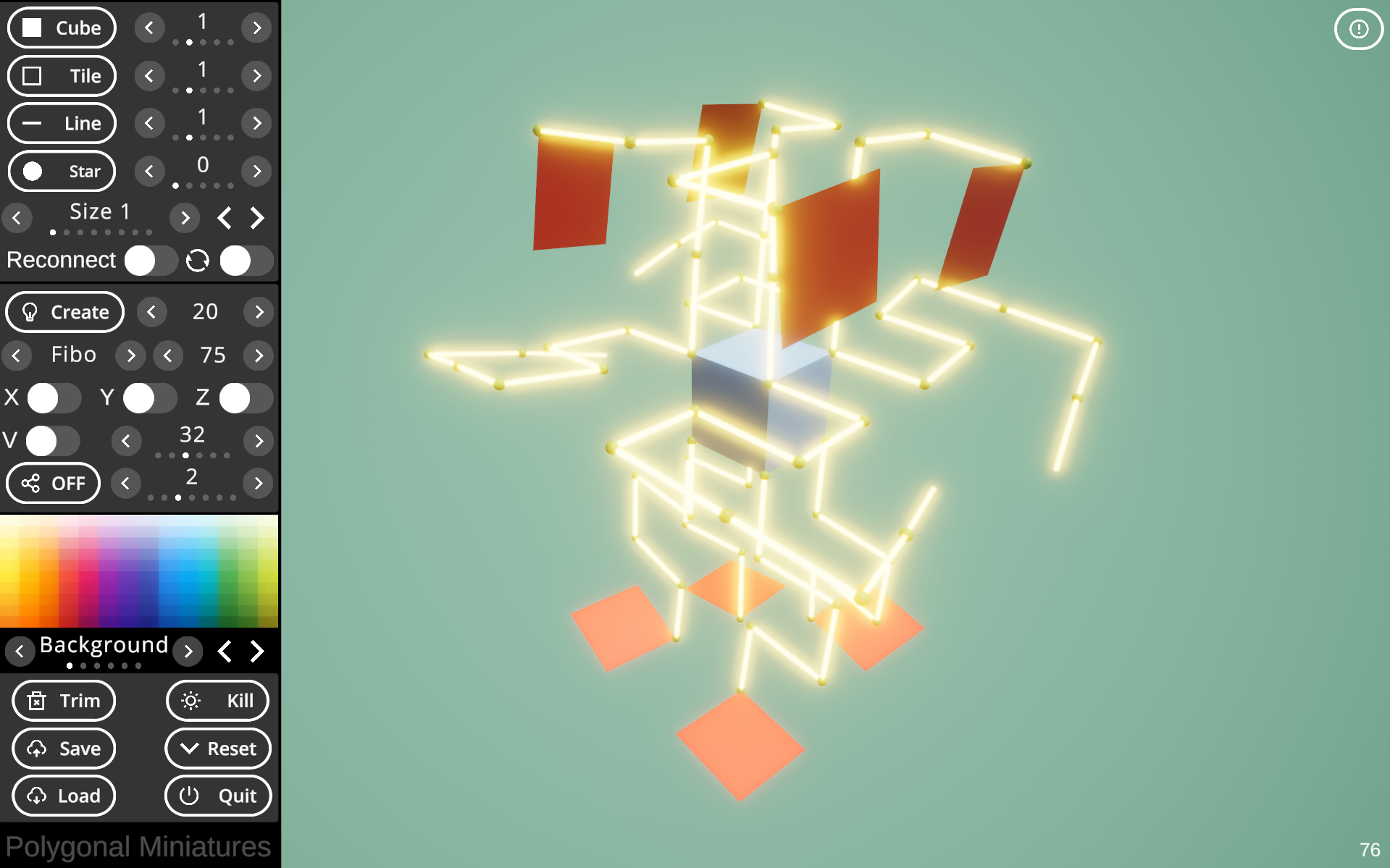
The Cubiverse builder allows for the creation and animation of 'cubeatures' or a custom 'cubiverse.' Currently only Mouse is supported.
The Cubiverse is a crystal-like structure that is made following two rules:
- Always connect one element to another element
- The connection is at the corner or end of the parent element and occurs at 90° increments
At first, the canvas will be white on white. Select a color palette from the left and right arrows next to the element selectors, default 'Background.' Here you can also change element colors using the color picker, but first select the element you'd like to adjust.
How to use:
- You can rotate, pan, and zoom the structure using the mouse.
- Hitting the circular arrow button next to 'Reconnect' rotates the structure automatically.
- Select an element by clicking it; the default is the 'origin' cube.
- Little spheres will appear on corners and ends. Click one.
- Ghost preview elements will appear. You can change the type by
- choosing an element type from the top left part of the menu (Cube, Tile, Line).
- The preview will change accordingly. To change its size
- click the size left or right arrow right below the element type buttons.
- Click one of the ghost previews to confirm placement.
- Remove an element by selecting an element and clicking the 'Trim' button.
- Note that selecting an item that is part of a chain will delete all elements that are part of it, away from the origin cube.
- Pressing the Reconnect button allows for bridge placements.
The second palette, which contains the 'Create' button, allows for procedural creation of elements.
- Right next to 'Create,' choose the amount of items you'd like to generate.
- On the first palette, next to the element names, choose the probability of the element (1, 2, 4, or 8).
- Below the Create Button, select a list type (Fibonacci, Primes, ...) and the max element size. A preview of the list element sizes will appear at the bottom.
- Hit 'Create' to automatically place elements.
Advanced use:
- In the second palette, the X, Y, and Z toggles represent mirror axes. Choose any combination to automatically place mirror versions of the element.
- Right Below these buttons, the V toggle allows for volume constraint. Select the volume size to the right of it.
Lastly, you can save the structure as a .txt file, which is structured as a comma-separated list (csv). Saving is done to the system's persistent file path. Pressing Load will load the last saved Cubiverse or Cubeature.
Also, the entire structure can be animated using an on-the-fly IK rig and target creation. This can be done by pressing the 'ANI' button. Once clicked, it will toggle to 'OFF,' which disables the animation and allows for further creation.
That's it! Hope you like and enjoy the Cubiverse builder. Contact me if you have any questions or feature requests!
Mark
Purchase
In order to download this builder you must purchase it at or above the minimum price of $4.99 USD. You will get access to the following files:
Comments
Log in with itch.io to leave a comment.
Fair enough quite interesting